Hello MatheusNifocci77
There is currently no direct integration of CubeMX2 and TouchGFX. Instead you have to manually add TouchGFX to your project by copying and adapting files from another existing similar TouchGFX application. We are currently working on a guide on how to do this. But it will be a "manual" process for now.
I will advice you to start by looking at the NUCLEO-C562 example project available for download in TouchGFX Designer:
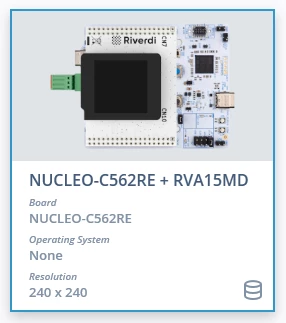
You can then either see if you can modify this project to fit your hardware, or you can set up your own project in CubeMX2 and then add TouchGFX by copying the TouchGFX folder from the example project into your project and adapt it.
A "TouchGFX with STM32CubeMX2" article is now available as part of the TouchGFX documentation: https://support.touchgfx.com/docs/development/scenarios/touchgfx-with-mx2. This article is expected to evolve over time, as the integration between the two tools matures.
Best regards
Peter