Setting PRODUCT_STATE to CLOSED without any password
Hi there!
First of all, thank you for taking the time to read this!!! Any input is welcome.
I'm working on a project with a Nucleo-H563ZI board, and did something quite dumb: went and set the PRODUCT_STATE to CLOSED from within some dummy FW, and now I'm stuck. I can see the FW is running (LED task is blinking), but now I can't seem to access the device through Debug Authentication to bring it back to OPEN.
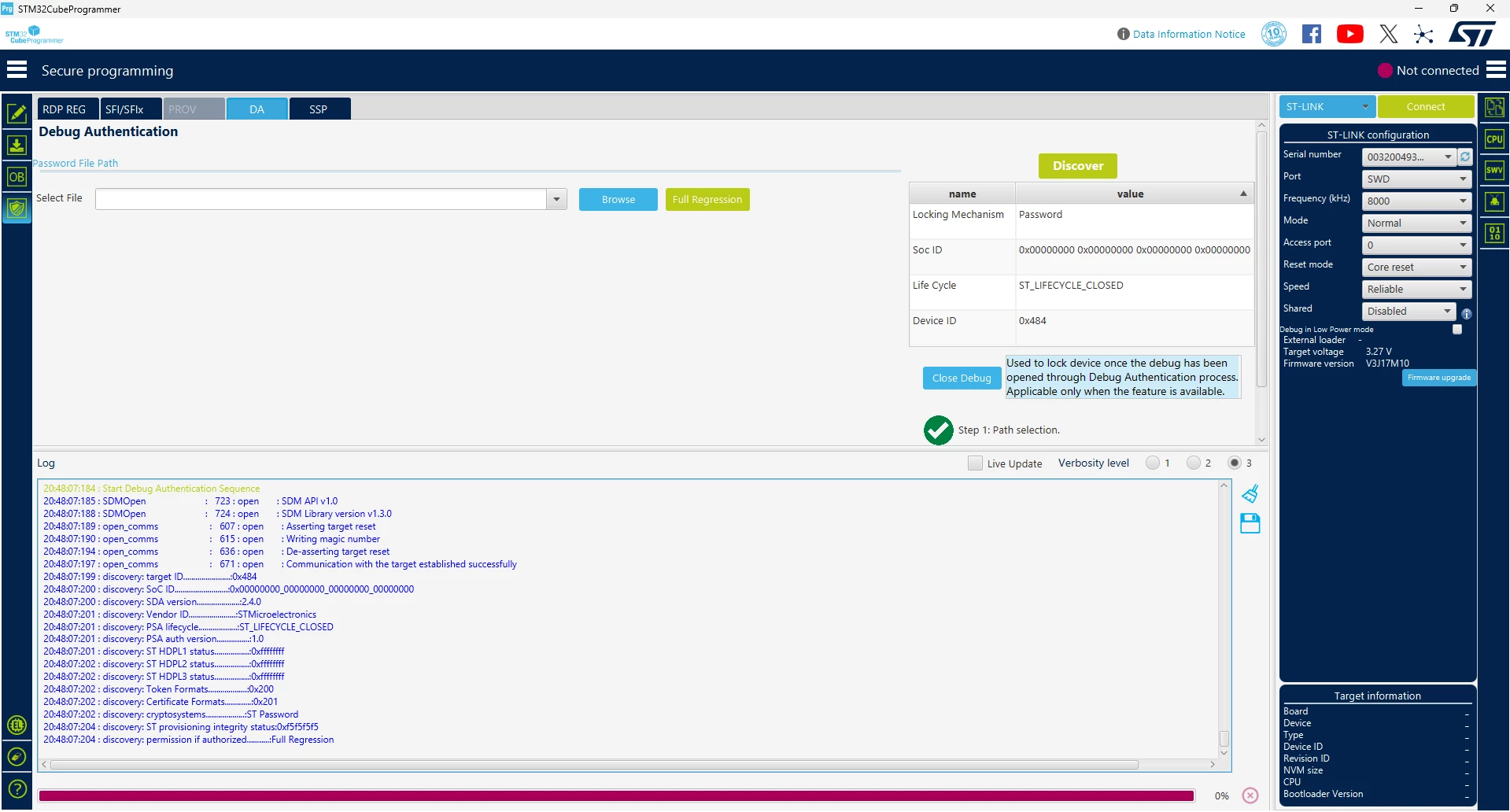
When I click on Full Regression STM32CubeProgrammer complains about "Password file not found"
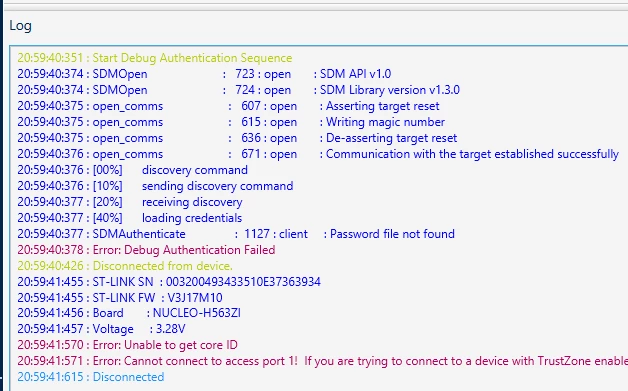
Which is more than logical because I did not provide one (you can see on the first image). Since I didn't set any password, I tried passing in an empty file created by running:
touch empty.binAnd then, it complains with:
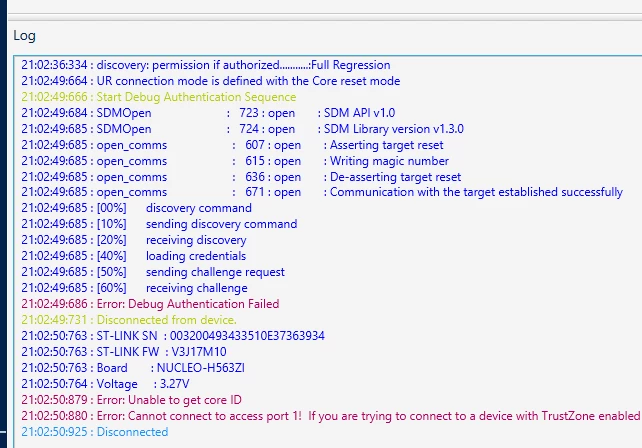
Is there some way to run a regression? Or do I now have a pretty brick?
Thanks in advance!!