
Question
Add my directory in project
Hi all,
i want insert in the project my directory , for organize the code ..
The problem is that not compile, because don't recognize the correct path.
I think that all set is correct, Set in Paths Symbols the new path
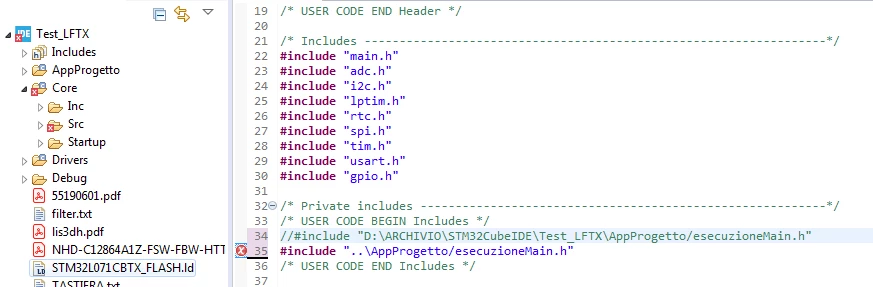 the only way is to insert the complete path, but this is inconvenient because it cannot be carried on another pc. how should I go to give the correct path to the new directories that I am going to insert?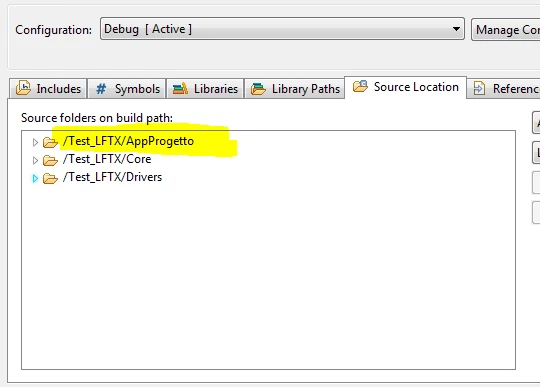
Also I would like to add other folders within my new folder "" AppProgetto ", in order to carry all my work quickly and easily.
Thanks