Associate II
April 28, 2026
Solved

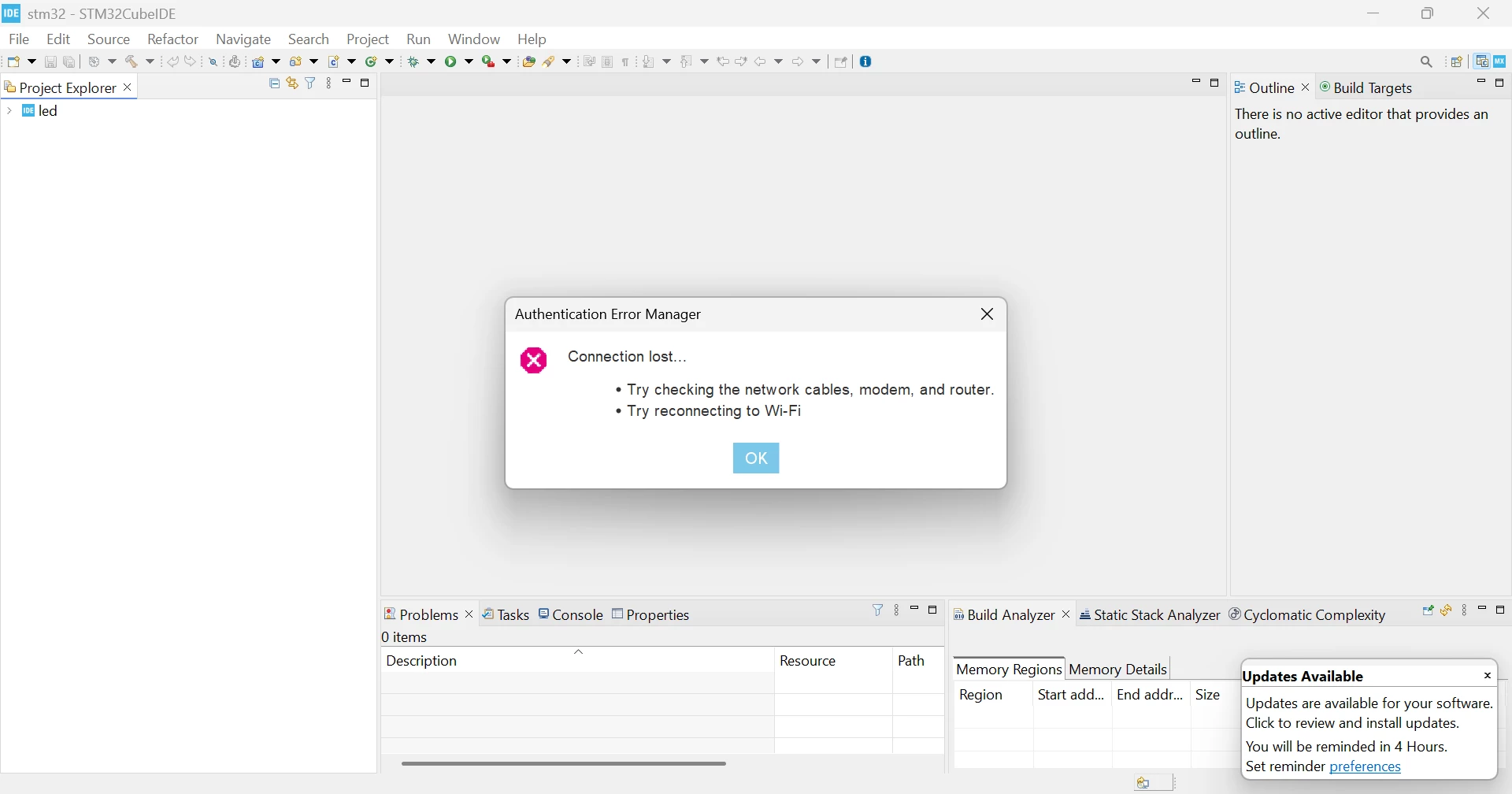
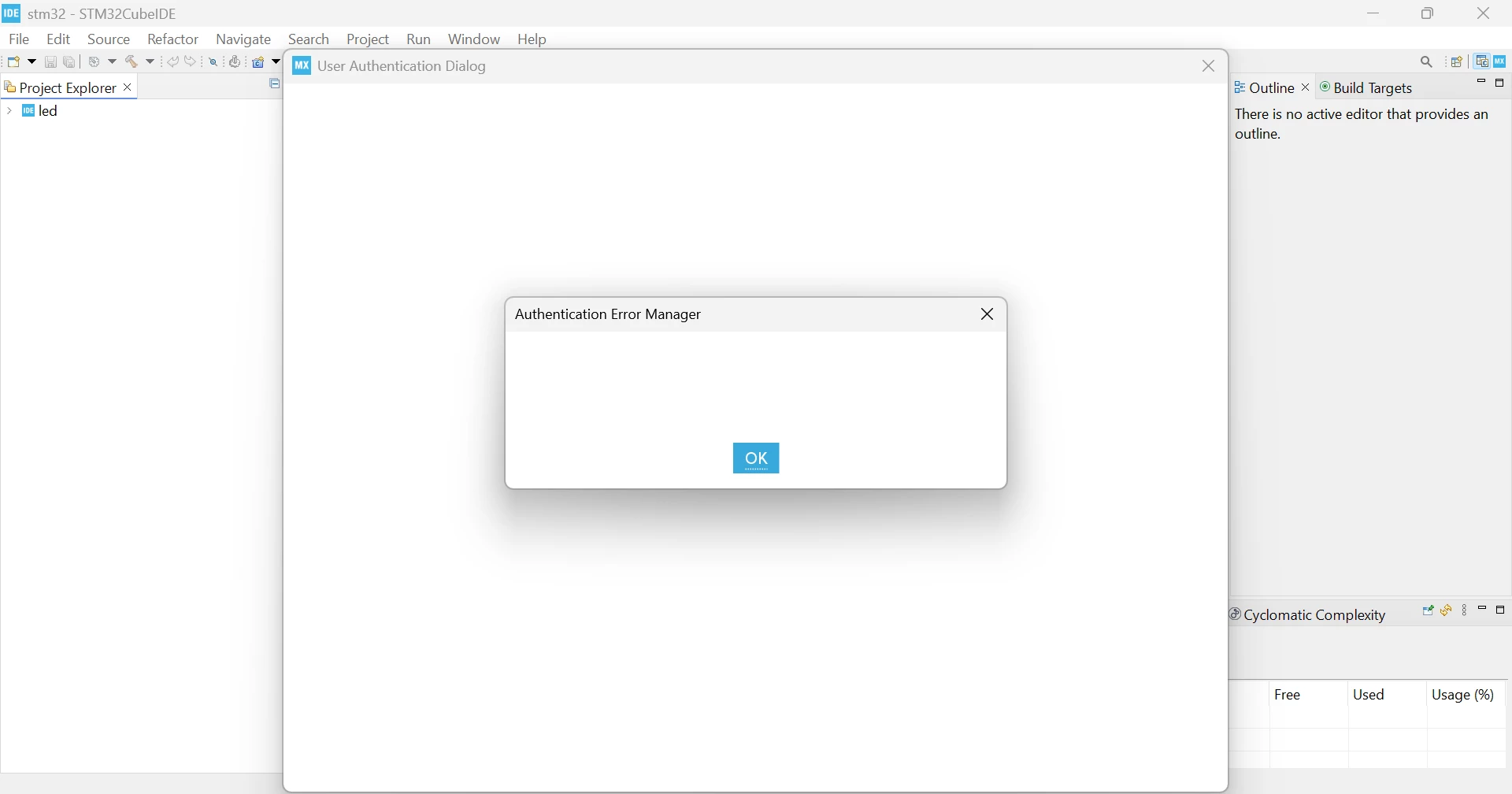
“Authentication Error Manager – Connection lost”
  • April 28, 2026
  • 2 replies
  • 517 views

Screenshot 2026-04-27 171248.pngScreenshot 2026-04-27 171412.pngScreenshot 2026-04-27 172027.png


I am using STM32CubeIDE version 1.19.0, and I am encountering a network-related issue.

Problem

I receive the error:
“Authentication Error Manager – Connection lost”
Troubleshooting done

  • Verified that my internet connection is working properly

  • Tried using a mobile hotspot instead of Wi-Fi

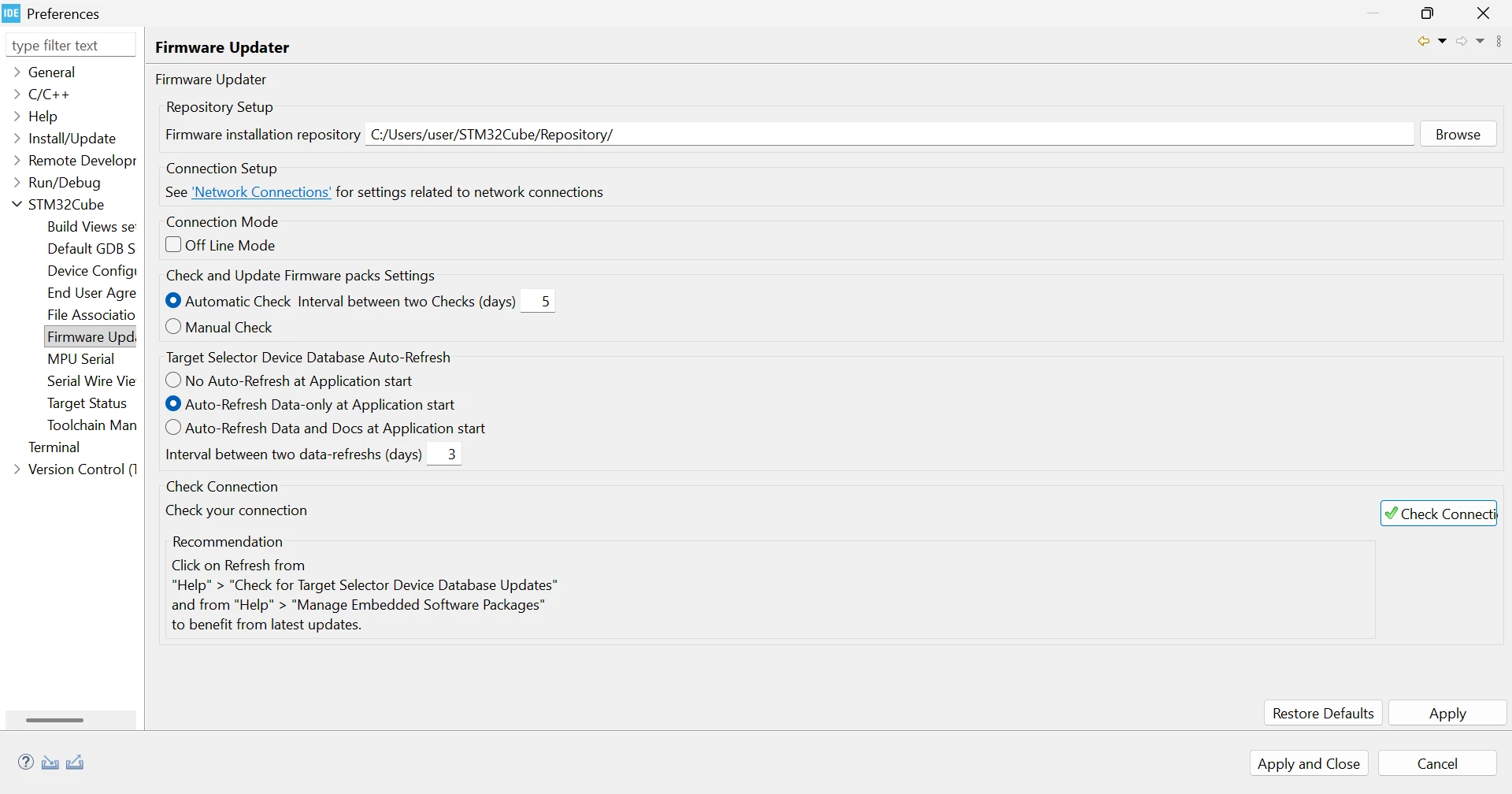
  • Checked connectivity in the Firmware Updater (status shows OK)

System details

  • OS: Windows 11 Pro 

  • Laptop: Lenovo ThinkPad T14

  • Board: STM32F407VGT6 / STM32F407 Discovery

Additional context

Even though the Firmware Updater indicates a valid connection, the authentication error still occurs across different network setups.

Question

What could be the cause of this authentication/connection issue in STM32CubeIDE, and what steps can be taken to resolve it?
 

Best answer by Ghofrane GSOURI

Hello @vivek-devadiga @Libelelang @Andrew Neil 

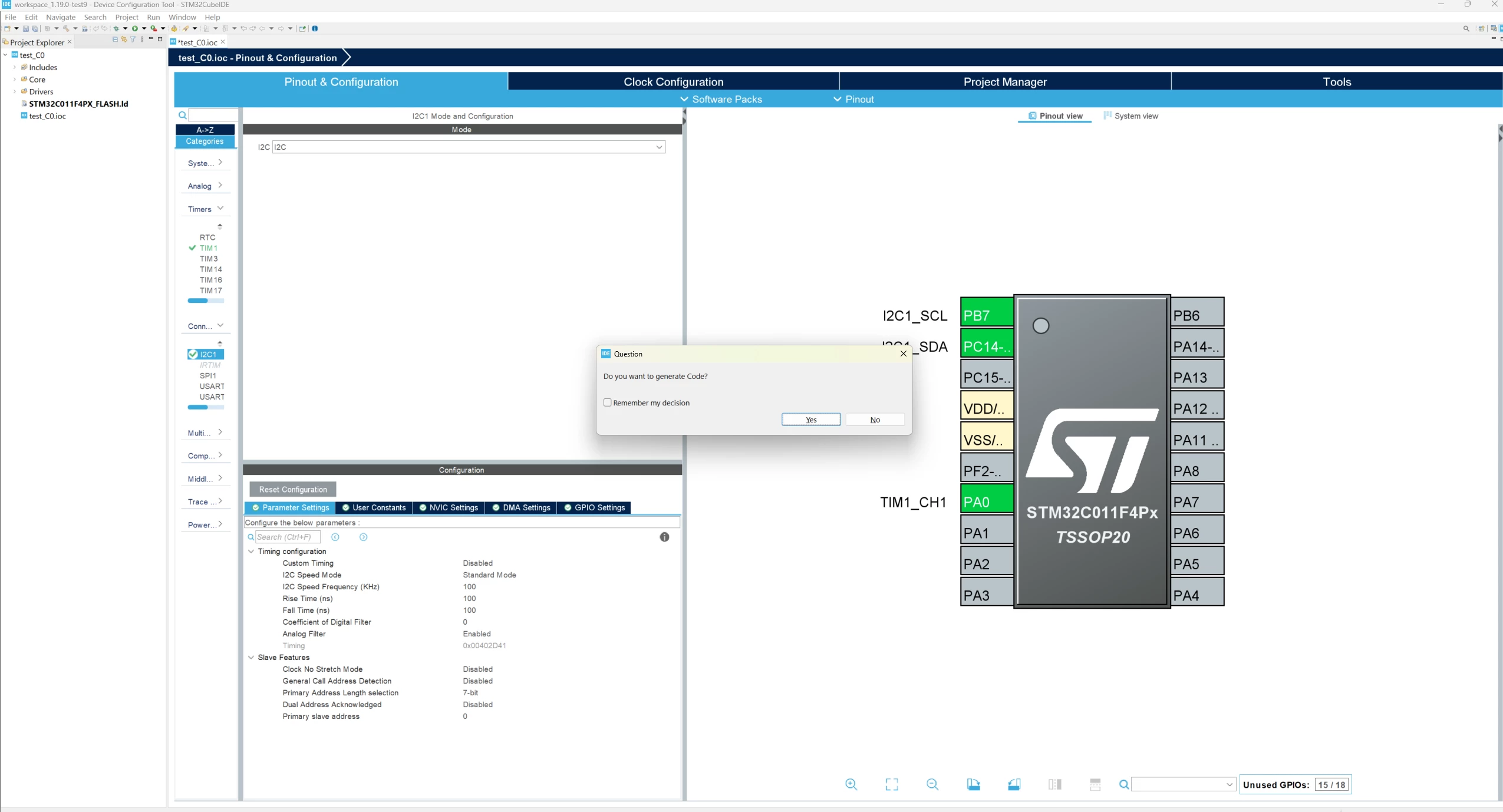
The issue has been resolved. Could you please verify it on your end?

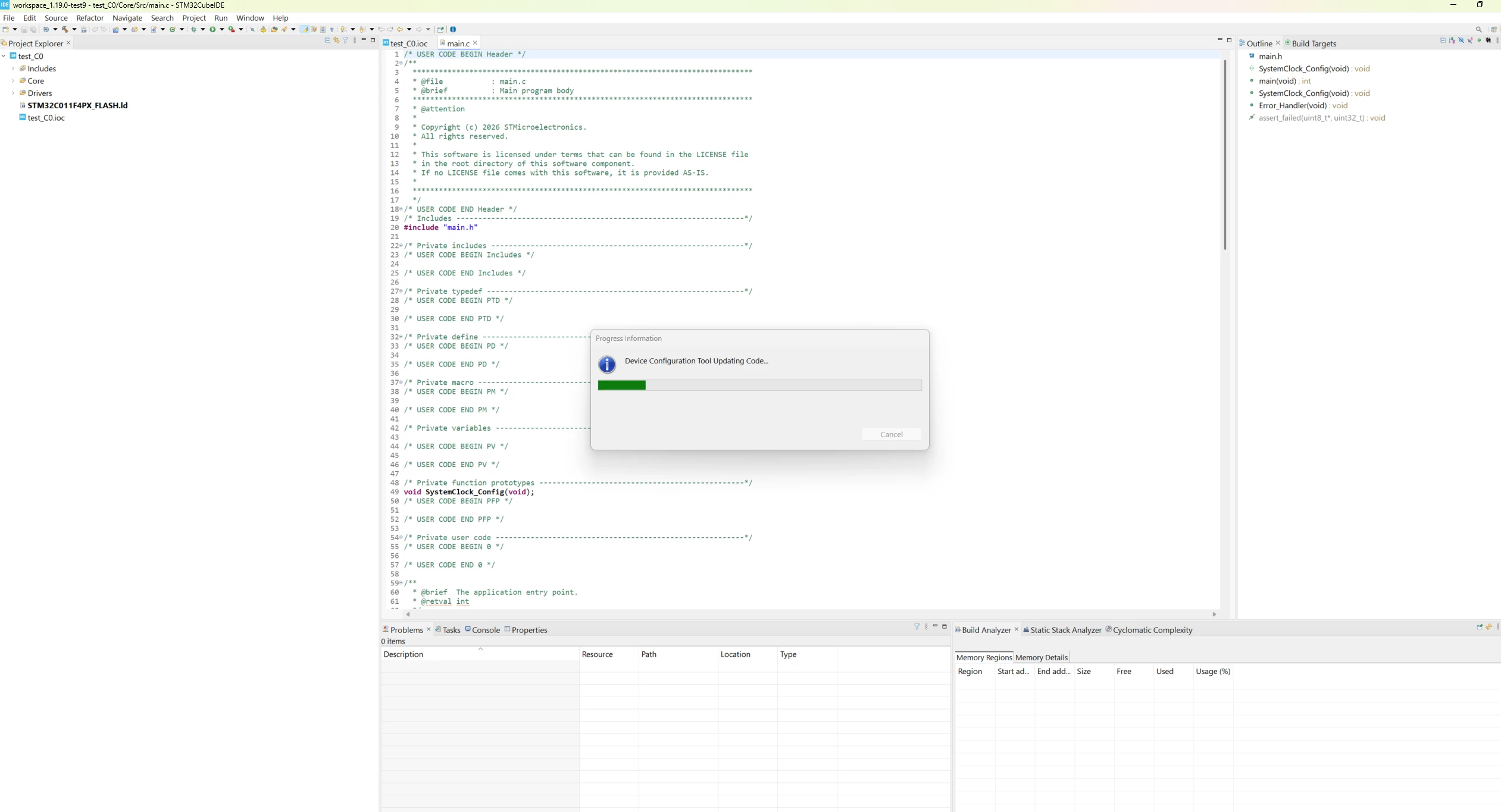
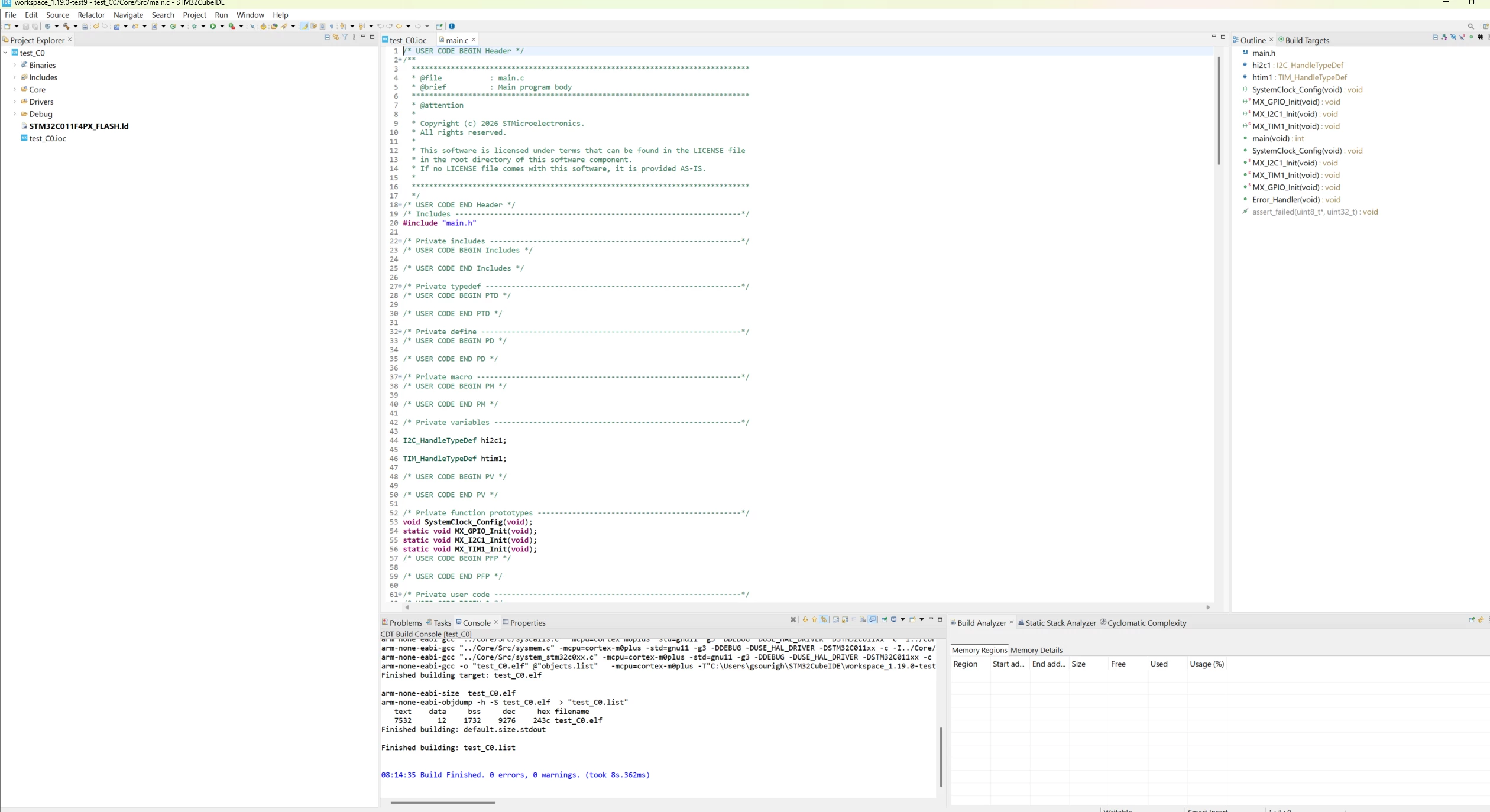
GhofraneGSOURI_0-1777533237677.pngGhofraneGSOURI_1-1777533254192.png

GhofraneGSOURI_2-1777533286281.png

THX

Ghofrane


2 replies

Ghofrane GSOURI
Technical Moderator
April 28, 2026

Hello @vivek-devadiga 

Please check the following LINK :How to set the network connection parameters for S... - STMicroelectronics Community where you can find a step-by-step guide to help you resolve the issue.

Another suggestion is to use the latest versions of STM32CubeMX 6.17.0 and STM32CubeIDE 2.1.1, in which the ST login feature has been removed from the user interface.

THX

Ghofrane

To give better visibility on the answered topics, please click on Accept as Solution on the reply which solved your issue or answered your question.
Associate II
April 29, 2026

This does not work

Ghofrane GSOURI
Technical Moderator
April 29, 2026

Hello @vivek-devadiga 

Let's try to  refresh, close, and reopen the project, restart CubeIDE, and reopen the .ioc. If that does not help, create a new STM32 project for STM32F407VGTx in the same IDE, configure a simple pin like PD12, and test generation; if it works in the new project, your original project is likely corrupted. If it fails there too, try a new workspace; if it works in the new workspace, the old workspace is corrupted. If the issue still persists, verify that the STM32CubeF4 firmware package is properly installed and recognized by CubeIDE, and as a last step, repair or reinstall STM32CubeIDE.

THX

Ghofrane

To give better visibility on the answered topics, please click on Accept as Solution on the reply which solved your issue or answered your question.
Associate II
April 29, 2026

I have already verified the firmware package installation.

The STM32CubeF4 firmware package is properly installed on my system and it is correctly recognized in STM32CubeIDE. It is also visible under Software Package Installation in the IDE settings.

However, when I create a new STM32 project (STM32F407VGTx), the IDE still prompts me to install the firmware package again, even though it is already installed.

I have confirmed that the firmware files are present on my system and correctly detected by the IDE, but the issue persists.

Could you please help me understand why CubeIDE is not using the already installed firmware package?

Ghofrane GSOURI
Technical Moderator
April 29, 2026

Hello @vivek-devadiga 

Another suggestion is to use the latest versions, STM32CubeMX 6.17.0 and STM32CubeIDE 2.1.1. In these versions, the ST login feature has been removed from the user interface, and STM32CubeMX 6.17.0 is no longer integrated into STM32CubeIDE 2.1.1. Instead, the two tools are now interoperable.

For more details , please check the following LINKs:

STM32CubeMX download Link:STM32CubeMX | Software - STMicroelectronics

STM32CubeIDE 2.0.0 workflow tutorial - STMicroelectronics Community

STM32CubeIDE 2.0 release - early heads-up! - STMicroelectronics Community


THX

Ghofrane

To give better visibility on the answered topics, please click on Accept as Solution on the reply which solved your issue or answered your question.