
Cannot install Devstyle Darkest Dark Theme (solved)
Update: To get it to work, do a fresh install of the IDE, untick the CDT site in "Available Software Sites" (Help->Install New Software then "Manage"), and then install DevStyle from marketplace
Sister issue on the Genuitec forum site: https://www.genuitec.com/forums/topic/devstyle-not-installing-in-stm32cubeide/
I use STM32CubeIDE with the DevStyle Darkest Dark Theme extension from Eclipse Marketplace on two different 64-bit windows 10 computers without problem.
Over the past couple of days, I've been trying to install the same plugin on a different 64-bit windows 10 computer but it doesn't seem to work.
After a fresh install of STM32CubeIDE_v1.11.0_13638_20221122_1308, I do the following:
- Click Help->Eclipse Marketplace....
- Search DevStyle
- Click Install beside Darkest Dark Theme with DevStyle 2022.6.13a
Then I leave the default components selected and I click on the Confirm button:
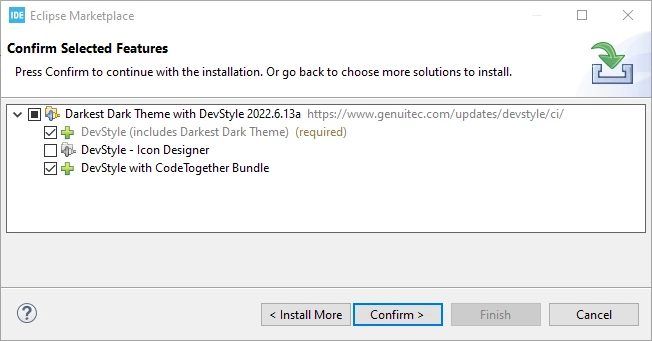
after processing the click for about 20 seconds, I get the following error displayed:
The installation cannot be completed as requested.
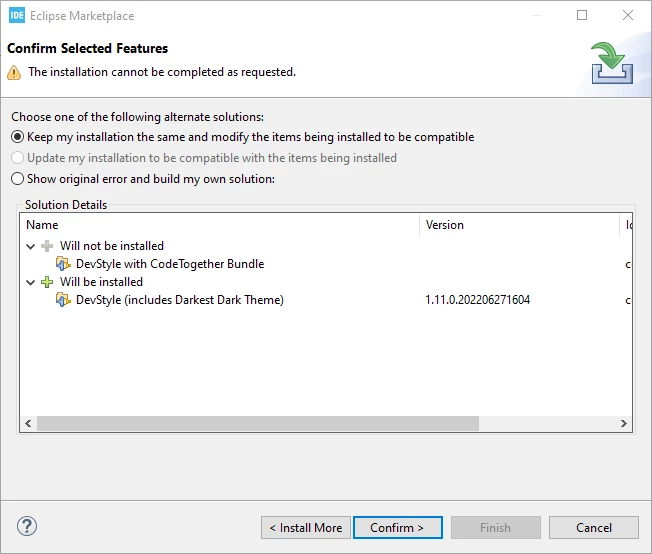
If I click Show original error and build my own solution radio button I get:
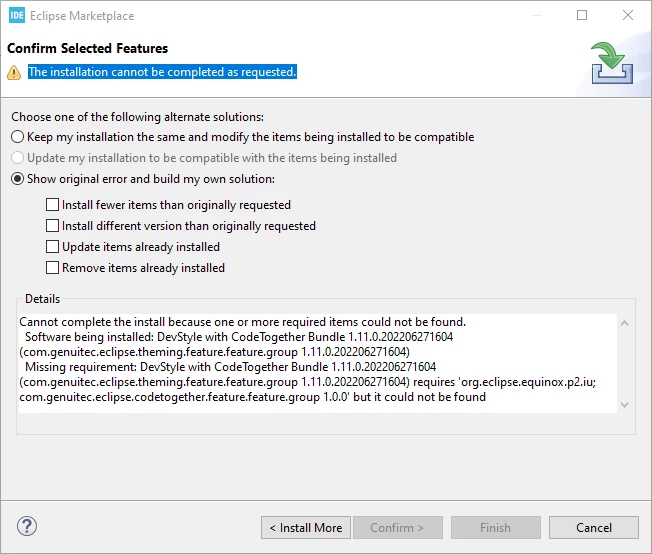
Here is the specific error message copy/pasted:
Cannot complete the install because one or more required items could not be found.
 Software being installed: DevStyle with CodeTogether Bundle 1.11.0.202206271604 (com.genuitec.eclipse.theming.feature.feature.group 1.11.0.202206271604)
 Missing requirement: DevStyle with CodeTogether Bundle 1.11.0.202206271604 (com.genuitec.eclipse.theming.feature.feature.group 1.11.0.202206271604) requires 'org.eclipse.equinox.p2.iu; com.genuitec.eclipse.codetogether.feature.feature.group 1.0.0' but it could not be found
If I then select "show original error and build my own solution" and select Install fewer items than originally requested then it appears to break the IDE because I can no longer build my project after the IDE restarts following the partial install
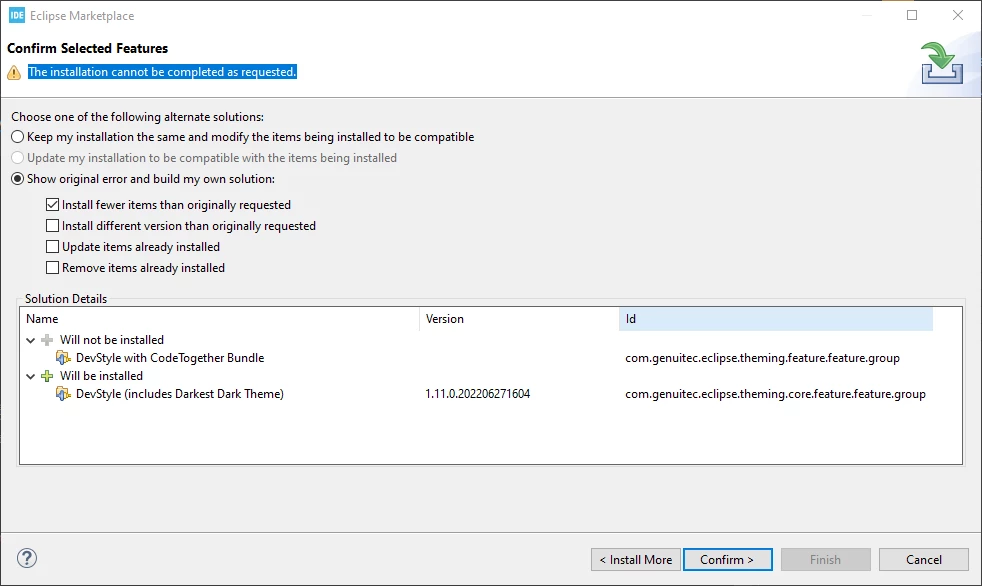
Does anyone else have this problem or know how to fix it?