Solved
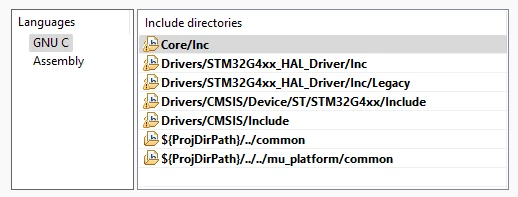
Including path to linked files doesn't work as expected
I've created an STM32 Project, selected the NUCLEO-G431RB board and generated the code. I've added a source folder to the project (mu_platform) and LINKED some .c and .h files into that folder.
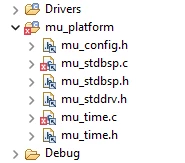 I selected mu_platform folder and right-clicked "Add/remove include path", and checked the project properties to see that it was added. It looked right:
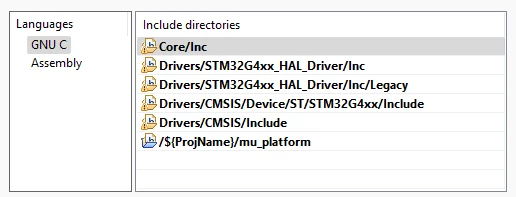 But now when I compile, the C preprocessor says that it cannot find the .h files inside mu_platform, e.g. mu_time.h, although it's linked into the mu_platform directory:
C:/Users/r/Projects/mulib-examples/mu_platform/nucleo_g431rb/mu_time.c:28:10: fatal error: mu_time.h: No such file or directory
 28 | #include "mu_time.h"
Is this because the C preprocessor does not resolve LINKED files? In other words, do I need to specify the file system directory as the included directory rather than the Project Directory's linked directory?
(Hope this makes sense!)