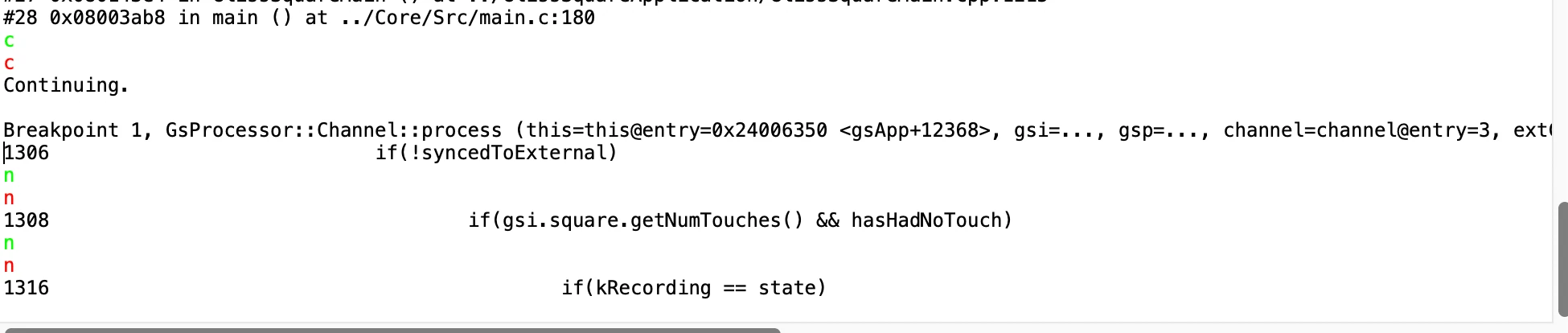
Interactive (readline) Debug Console on macos
Using STM32CubeIDE on macos (with STM32H7431VITx, FWIW), the Debug Console has a pretty poor interface, where there's no readline support and even basic things like "arrow up" to recall the latest command doesn't work, rather it moves the cursor up in the text. Gdb's output is black, the text I type is green and when executing a command, it gets echoed in red to the console. A while back I ran the same version on macos and Linux; on Linux on it was providing a full terminal with readline support, as you'd expect, but on macos it was like this and it hasn't improved in the intervening years. Is there some setting that I can enabled to make it a proper terminal with readline support and all on macos?
Version: 2.0.0
Build: 26820_20251114_1348 (UTC)
sample screenshot below: