
Solved
New to STM32CubeIDE. How can I add a new folder containing new .cpp files I have created to the project? I don't see an obvious way to do that in Project > Properties or other obvious places. Thanks, Noji Ratzlaff
..
..
Right click in the project tree to create the folder.
Drag/drop files into that folder or right click to create new ones.
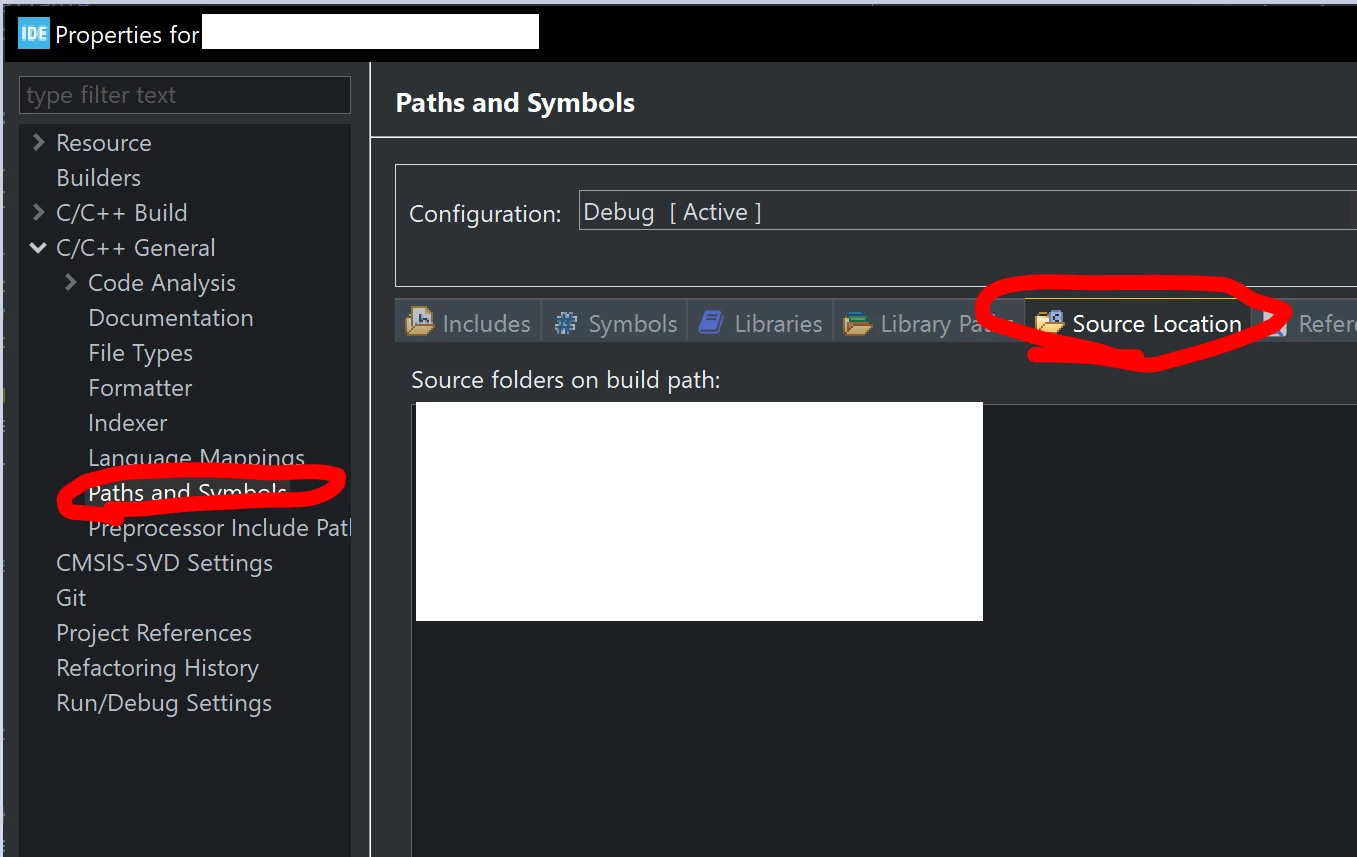
Add a new source folder from project properties -> C/C++ General -> Paths and Symbols -> Source Location.
After that, it will build the source files from within that folder.
Enter your E-mail address. We'll send you an e-mail with instructions to reset your password.