
stm32cubeide : debug launch fails on LOAD, file not specified
Windows 10, stm32cubeide V1.1.0, Segger J-Trace
I tried to port a working TrueStudio V9.2.0 project into stm32cubeide V1.1.0 but this didn't work so I created a blank project and copied in all the source files and setup.
Some of the setup screens for the debug configuration have changed
This is the original debug init commands from the working TS project.
# Default GDB command file (FLASH) for SEGGER J-LINK and STMicroelectronics STM32L071RZ microcontroller.
#Set RTT Addr
#eval "monitor exec SetRTTAddr %p",&_SEGGER_RTT
# Set character encoding
set host-charset CP1252
set target-charset CP1252
# Set JTAG speed to 30 kHz
monitor speed 30
# Set GDBServer to little endian
monitor endian little
# Reset the chip to get to a known state.
monitor reset
# Set auto JTAG speed
monitor speed auto
# Setup GDB FOR FASTER DOWNLOADS
set remote memory-write-packet-size 1024
set remote memory-write-packet-size fixed
# Enable flash download
monitor flash download = 1
# Load the program executable
load
I get errors on all commented lines so I removed the comments and edited to this
set host-charset CP1252
set target-charset CP1252
monitor speed 30
monitor endian little
monitor reset
monitor speed auto
set remote memory-write-packet-size 1024
set remote memory-write-packet-size fixed
monitor flash download = 1
load
I now get one error on the load
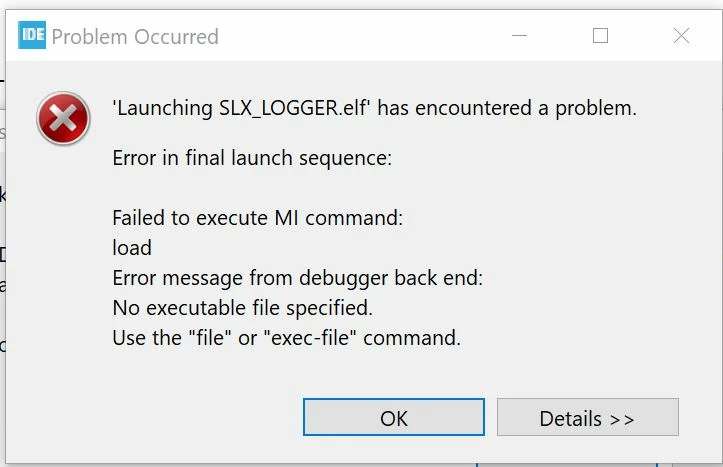
My debug configuration is as follows
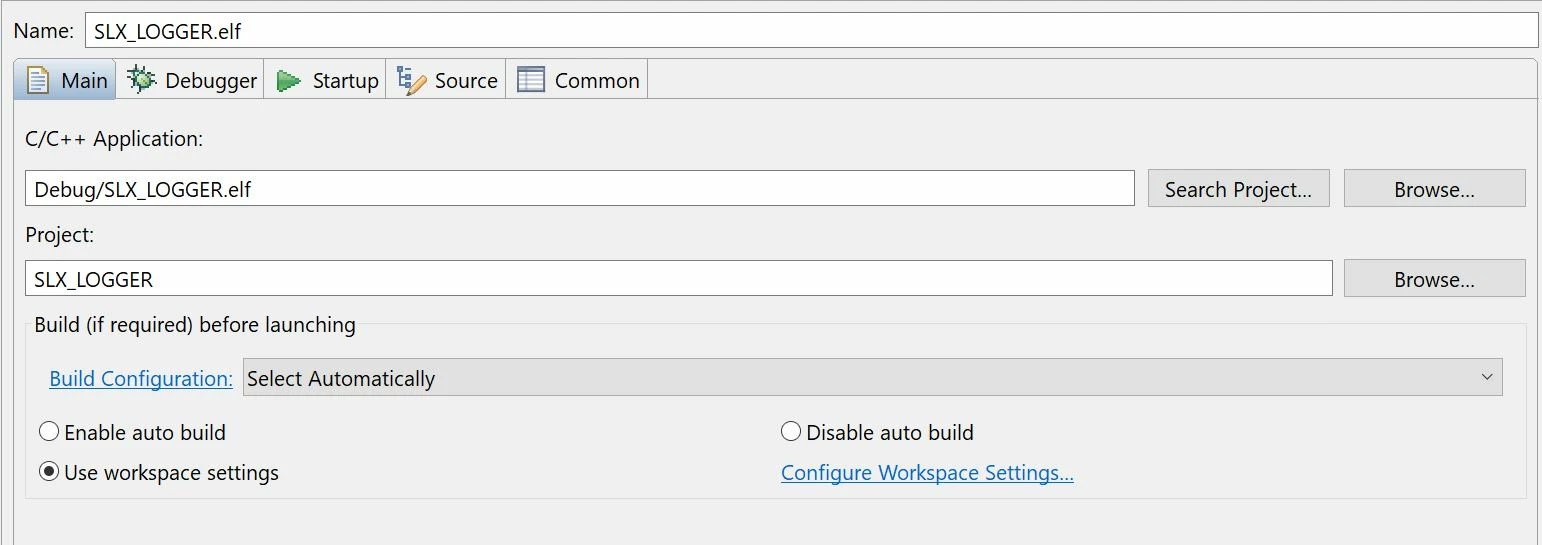
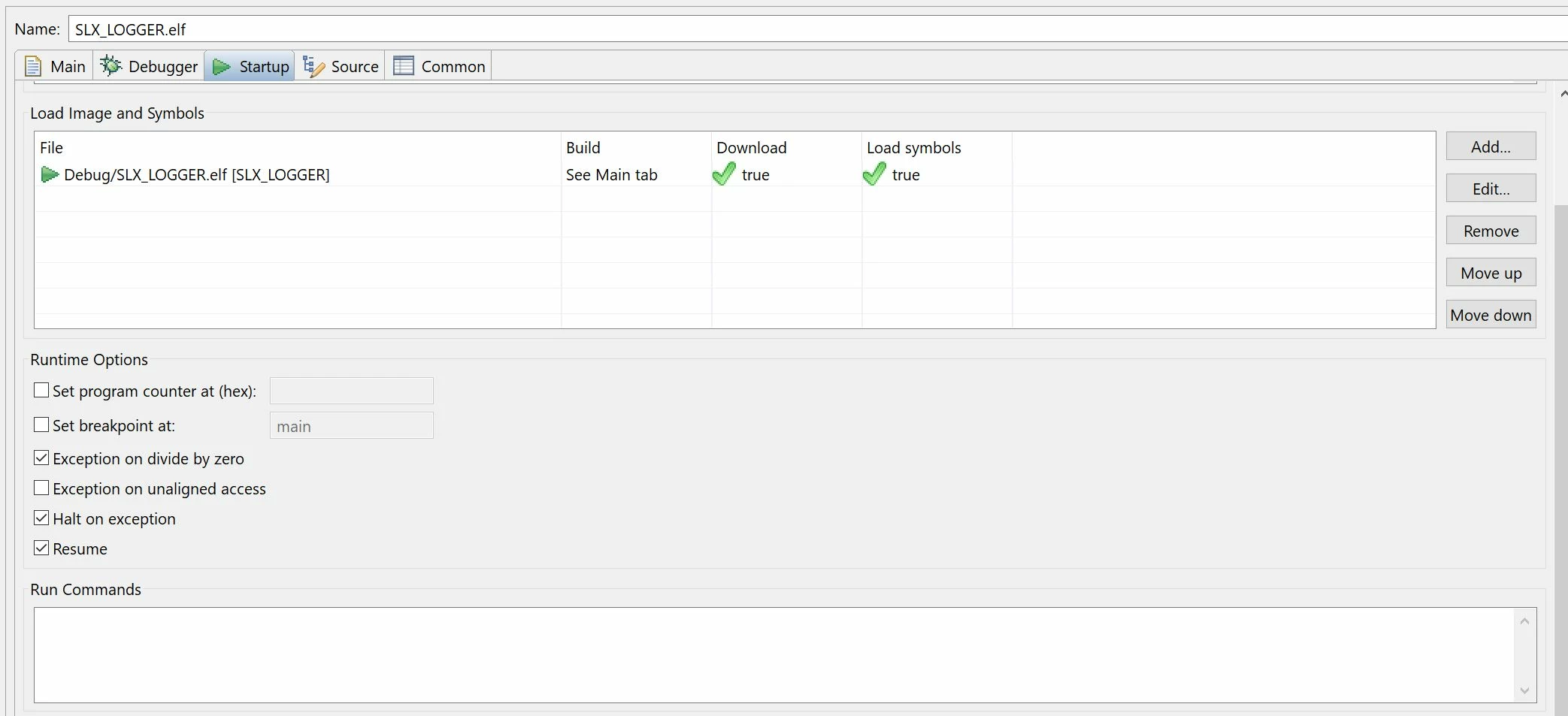
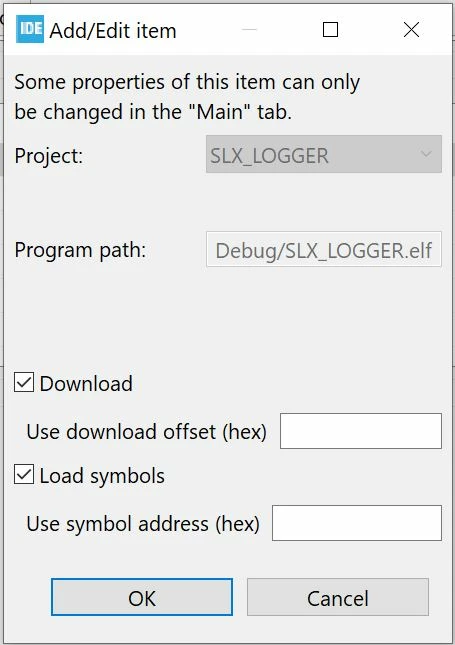
The file SLX_LOGGER.elf is present in the DEBUG sub folder but for some reason it cannot load this file. This project works in TrueStudio.
Any ideas ?